Live in the phone customers already use
Passes live in the built-in wallet apps on iPhone and Android. Customers keep your loyalty card next to their everyday passes.
Issue a wallet pass for business: a digital loyalty card customers save to Apple Wallet or Google Wallet—then you update it without an app.
Works on iPhone & Android · No app download · Real-time updates
Passes live in the built-in wallet apps on iPhone and Android. Customers keep your loyalty card next to their everyday passes.
When you change rewards, design, or messaging, wallet passes can refresh so customers see the latest version on their phone.
Wallet passes can show push notifications. Use them for reward updates, reminders, and announcements—no customer app install needed.
The same loyalty program is available on Android: customers save the pass in Google Wallet.
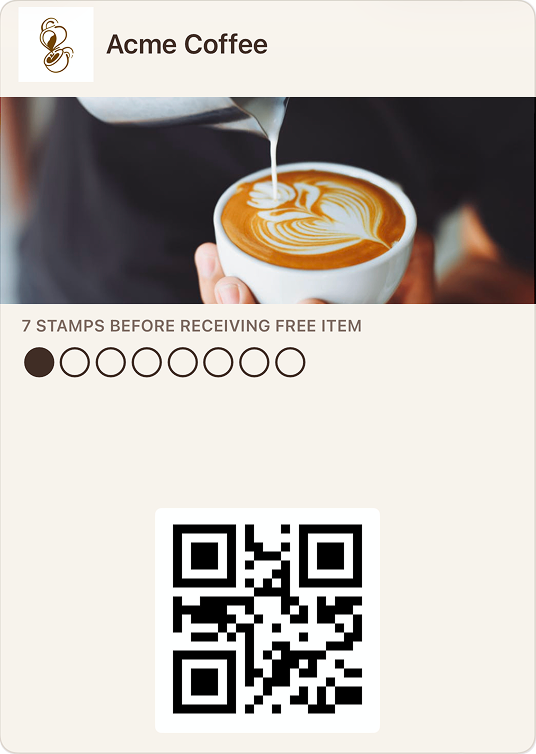
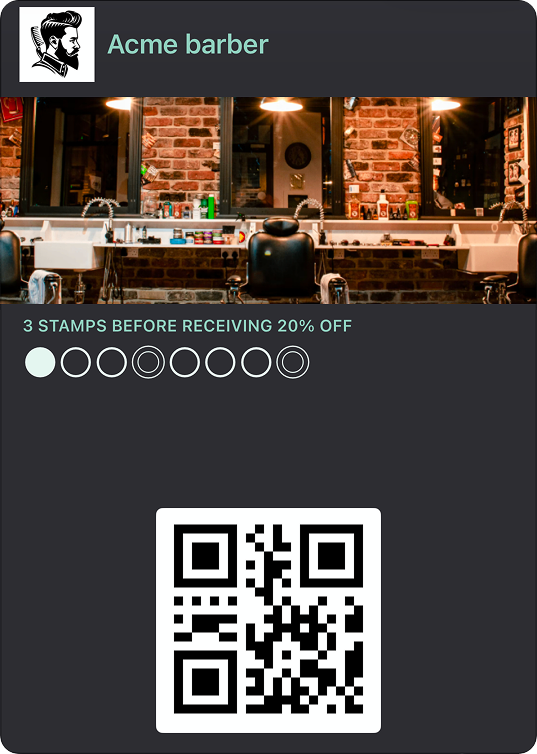
Your logo, colors, and branding on the wallet card.
Stamps, points, tiers, or discounts—pick what fits your business.
Send messages to cardholders, with simple targeting options.
Define rules so rewards can trigger automatically when criteria is met.
Customers don’t need a Stampic account. They add the pass using the add-to-wallet flow their phone provides for Apple Wallet or Google Wallet.
They can add the card on the phone they’re using. If they switch devices later, they can add it again on the new phone.
Yes. You can send wallet notifications to cardholders from your dashboard.
They scan your QR code (or open your link) and follow the add-to-wallet steps on their phone.
They can add the card again on the new phone using your QR code or link.